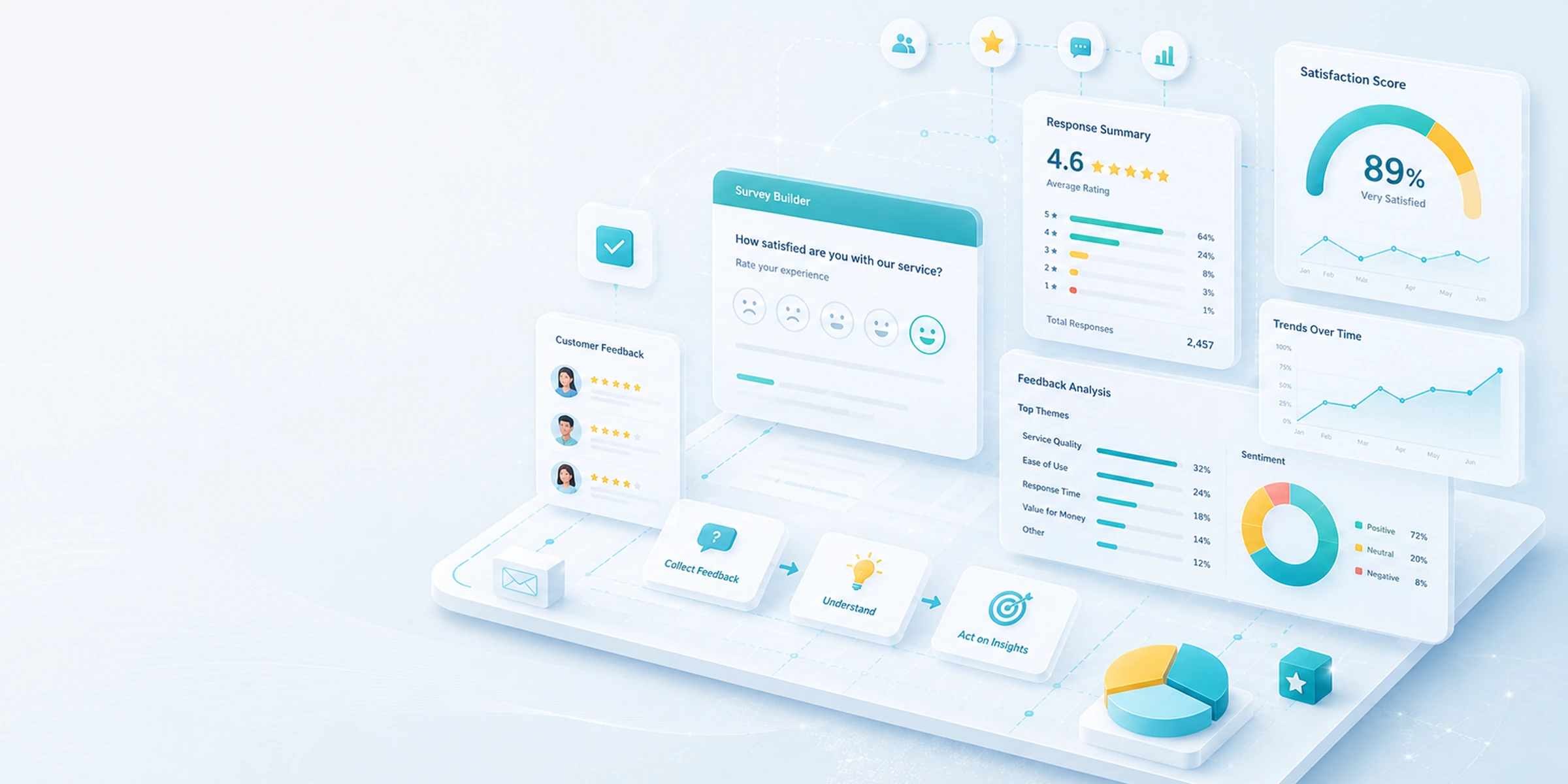
From the survey to customer follow-up: find the guide you need.
Prepare the questionnaire, check delivery, understand responses, and organize follow-up when something needs attention. Each guide covers one specific step.
A response is not yet a case.Each step requires its own context, rules, and cautious interpretation.
Guided help
Go straight to the article that matches what is happening.
Choose the closest situation. MapMyStaff narrows the help center to the documented check that is most useful first.
No personal information is requested. Answers stay in this page and are not sent to the server.
Preparing the next question…
Loading the first question…
From the questionnaire to customer follow-up
A survey collects a response in a given context. When a customer shares feedback, that response may become a signal for your team to review. A signal does not automatically become a priority or action case. Feedback volume, the analyzed period, the nature of the question, and the visit context influence how this information is read. Recovery is a follow-up process intended to reopen dialogue; it guarantees neither resolution nor retention. Available features, channels, and automations may vary according to the journey and account configuration.
Conceptual overview
Understand what happens after the survey is sent
The flow helps distinguish four possible moments. It does not assume that every survey automatically passes through every step.
01 · Survey prepared
Available questions and options
The survey is prepared according to the questions, sending options, and settings available in the journey used.
Limit: questions, channels, sending times, and triggers may vary. Preparing a survey does not guarantee it will be sent for every appointment.
02 · Response received
Information submitted by the customer
When a customer responds, the submitted information may be associated with the context available in the relevant journey.
Limit: sending a survey guarantees neither that it will be opened nor that a response will be received.
03 · Signal to contextualize
Team review
The team can review the response while considering the question, period, response volume, and intervention context.
Limit: a score or comment does not automatically constitute a verdict, priority, or infallible interpretation.
04 · Follow-up to organize
Actions, priority, or status
When the corresponding features are used, the team can organize follow-up, document actions, and assign an available priority or status.
Limit: organized follow-up guarantees neither resolution, retention, nor a new booking.
General limit: this flow is conceptual. It does not mean that every survey is sent, every response becomes a signal, a signal creates a case, or follow-up produces a particular outcome.
9 guides
Choose the guide based on what you want to do
Explore articles according to the stage of your customer-listening and follow-up process.
Prepare the survey
Structure questions and understand available response and sending options.
How do you configure a useful survey?
Learn how to select questions, define the structure, and adjust available settings without promising a response rate.
Referrals may be part of the customer relationship, but they follow a separate validation process and do not result automatically from a positive response.
Specify the journey and page, survey type or context, expected channel, observed result, exact message, approximate date and time, and a sanitized screenshot if useful. Never send a password, authentication code, key, token, technical secret, or unnecessary personal information.